Why local payment methods matter for Pakistani ecommerce
Many online stores in Pakistan lose orders at the payment step. The product is selected, the checkout is complete, but the process stops when the available payment options don’t match what the customer is ready to use.
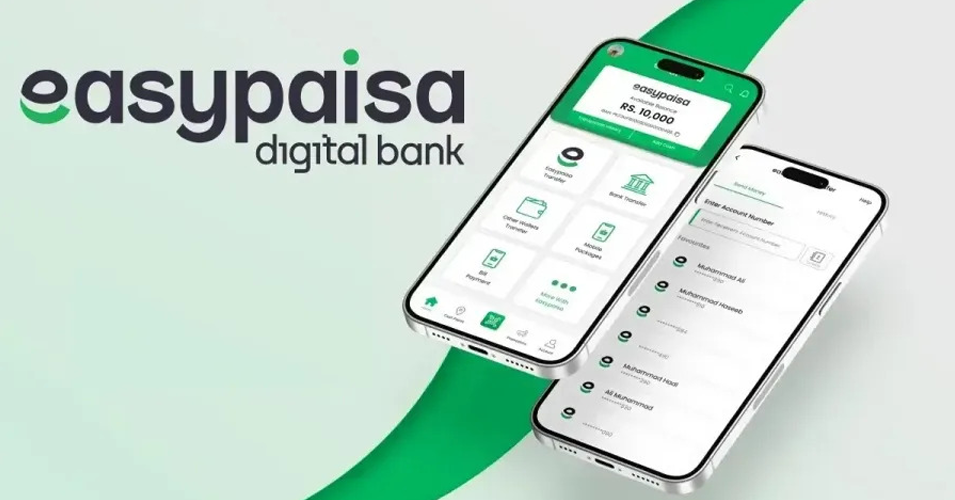
EasyPaisa is already part of how people send and receive money in daily life. When that same option is available during checkout, the purchase continues without interruption.
Stores that rely only on card payments often see users drop off at the final step. Adding a familiar option changes that moment, where hesitation usually happens.
What EasyPaisa integration actually means
EasyPaisa integration in WooCommerce is not just adding a payment option. The store needs to be connected to the gateway so it can send payment requests and receive confirmation after each transaction.
When a customer selects EasyPaisa, the payment is handled outside the website and then returned with a status that confirms whether the order is completed or still pending. That connection depends on correct credentials and a working link between the store and the gateway.
A plugin only provides the interface. Payments work only when the gateway is properly connected and able to communicate with the store.
How EasyPaisa payments move through WooCommerce
At checkout, the customer selects EasyPaisa and proceeds with the order. The request is sent to the gateway, where the payment is completed through the EasyPaisa interface.
After payment, the gateway returns a status to the store. A successful response confirms the order, while an incomplete or failed attempt leaves it pending.
This exchange happens quickly, but it depends on the store and the gateway staying in sync. Delays or missing responses can leave orders unconfirmed even when the payment is completed.
Ways to integrate EasyPaisa in WooCommerce
EasyPaisa can be connected to WooCommerce in more than one way, depending on how payments are handled and how much control the store needs.
- Plugin-based integration
A plugin adds EasyPaisa as a payment option and connects the store through the WordPress dashboard. This works for stores that need a standard checkout without custom handling.
- API integration
Direct integration using API credentials gives more control over how transactions are processed and how responses are handled. This suits stores that need tighter control over payment flow.
- Manual method (limited use)
EasyPaisa can be listed as a manual option where customers send payment separately and the order is confirmed afterward. Payments are not verified automatically, so the process depends on manual checks.
The difference shows up in how payments are confirmed and how much of the process runs automatically.
What you need before starting
EasyPaisa won’t work in WooCommerce without a few things already in place.
- EasyPaisa merchant account
Payments only go through after the account is approved. Without that, the gateway won’t process live transactions.
- Verified business details
Business information, bank details, and documentation are part of the approval process.
- Working WooCommerce store
Products, checkout, and basic settings should already be functional before adding any payment method.
- Secure website (HTTPS)
Payment gateways require a secure connection. Without SSL, transactions won’t be accepted.
- Credentials or plugin access
The store needs either API keys from EasyPaisa or a compatible plugin to establish the connection.
How EasyPaisa connects with your WooCommerce checkout
After the requirements are in place, the store is linked to EasyPaisa so it can send payment requests and receive confirmations. That connection sits between the checkout and the gateway and handles each transaction as it moves through.
The payment method is enabled in WooCommerce through a plugin or by adding the required credentials. Once connected, requests move out to the gateway and return with a status that determines whether the order is confirmed or remains pending.
Merchant details, callback URLs, and transaction settings need to match how the store handles orders. Testing helps catch gaps where payments go through but the order status doesn’t update or confirmation doesn’t return correctly.
With everything aligned, each order follows the same path from checkout to confirmation, without manual handling in between.
Where EasyPaisa integration usually goes wrong
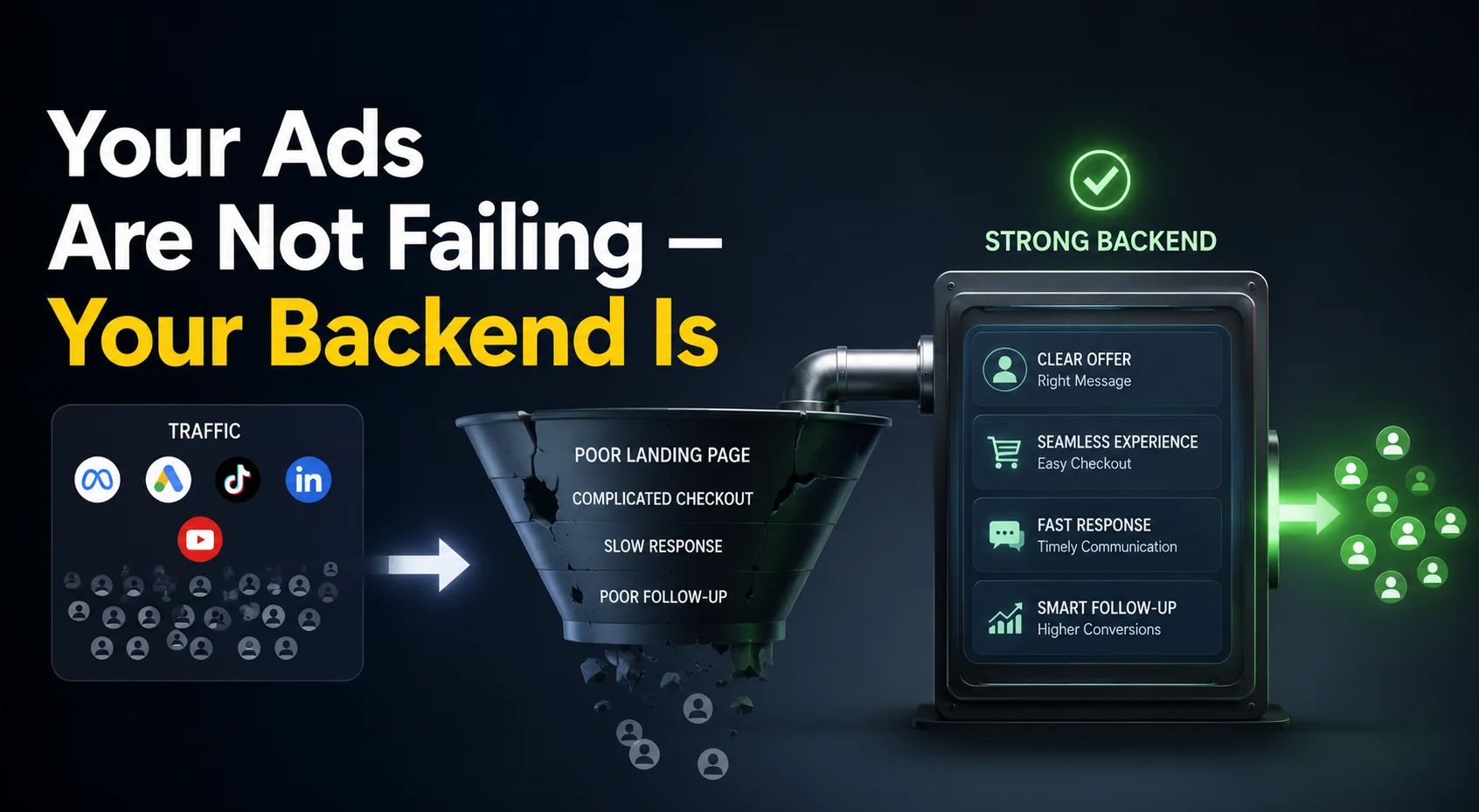
Most problems show up after the setup looks complete. Payments fail, orders stay pending, or confirmations don’t return to the store, even though the plugin is installed.
Plugin installed, gateway not active:
A plugin only adds the option to WooCommerce. Without an approved merchant account and working credentials, no real transaction can go through.
Credentials don’t match:
Incorrect API keys or merchant details stop the system from verifying payments. The request goes out, but the response never completes properly.
No testing before launch:
A checkout can appear functional until the first real order. Payments may go through, but order status doesn’t update or confirmation never reaches the store.
Callback settings missing or wrong:
The store depends on callback URLs to receive the final payment status. If those don’t match the gateway configuration, transactions remain incomplete on the WooCommerce side.
Manual method used as a replacement:
Adding EasyPaisa as a manual option means payments are handled outside the system. Orders stay unverified until someone checks them, which breaks the flow of automated processing.
What gets configured to make EasyPaisa work in WooCommerce
Getting EasyPaisa to work is less about turning it on and more about matching the store with the gateway’s requirements.
The store needs valid credentials from EasyPaisa so it can identify and authorize each transaction. Callback URLs must be set correctly so the gateway can return payment status after completion. Without that return signal, orders remain incomplete even if the payment goes through.
Transaction handling also depends on how WooCommerce is configured. Order status, payment confirmation, and failure handling need to align with how the store processes sales.
Testing reveals where things break. Payments may succeed on the gateway side but fail to update inside WooCommerce if the connection isn’t fully aligned.
Choosing the right EasyPaisa integration approach for your WooCommerce store
The setup should match how orders are handled on a daily basis. Stores with occasional transactions or manual confirmation can work with a basic plugin setup. Stores that rely on automatic confirmation and consistent order updates need a more structured connection.
The difference shows up in control and reliability. A plugin can cover standard checkout needs, while API-based integration allows tighter handling of transactions, validation, and responses when the volume or complexity increases.
Order flow gives the clearest signal. Frequent transactions, real-time confirmation, and fewer manual steps point toward a more direct integration. In those cases, a proper EasyPaisa payment gateway integration ensures the system stays aligned with how the store actually operates.
Payments should match how customers actually pay
Adding EasyPaisa to a WooCommerce store directly affects the payment step. When the option is available, people who already use EasyPaisa complete the payment without leaving the page or switching devices.
Stores that only offer card payments often see users reach checkout and stop there. The payment step becomes a barrier when the available options don’t match what people are used to.
When the payment method feels familiar, the process moves forward without hesitation, and more orders reach completion.
Integrate EasyPaisa in WooCommerce Today
Contact us now and let's embark on the journey to online success together!