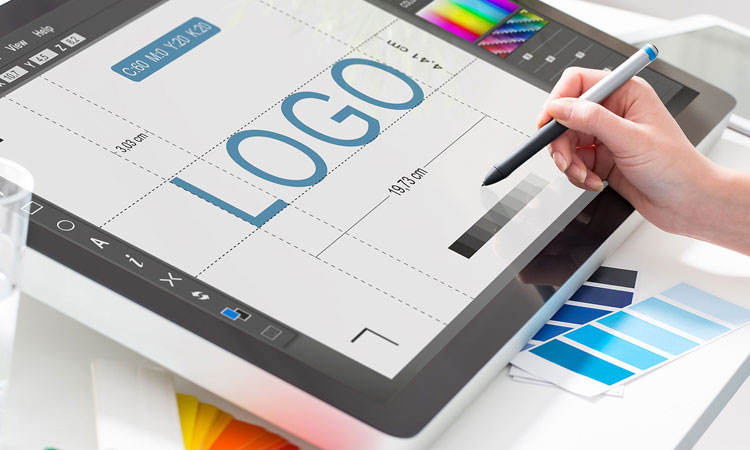
Designing a logo is not as easy as designing some business cards or flyers. Although it does not requires rocket science to achieve the goal, this involves creativity and hard work, and sometimes a collective genius is needed. Developing a logo involves a creative process that includes a ton of research, inquiries, brainstorming, diversification, color management, and feedback from a client to finalize. Sidestepping this procedure may dilute your endeavors.
Guidelines For Doing Deep Research
Before delineating your idea, you must immerse yourself in deep research and analysis of the company, business, and product you want to design the logo. It’s imperative to do additional research about your client’s top competitors.
It’s imperative to ask questions from your client that would make you produce a perfect logo matching your client’s thoughts.
Standard Logo Dimensions & Sizes
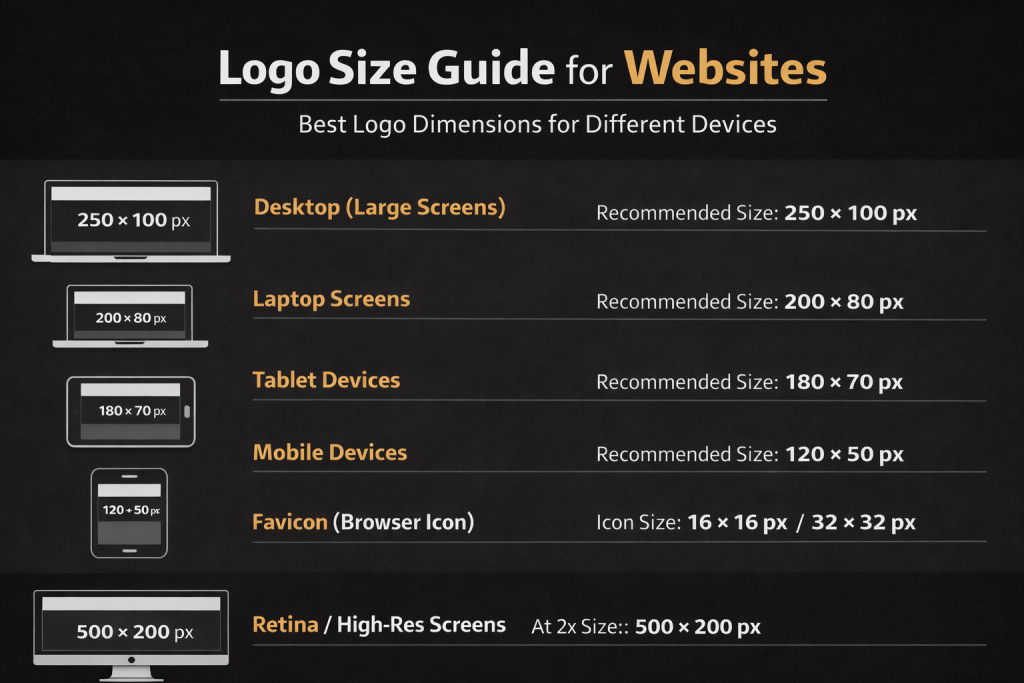
Logos should be scalable, but designers often prepare common sizes for different uses.
| Use Case | Recommended Size |
|---|---|
| Website header logo | 250 × 100 px |
| Website favicon | 32 × 32 px |
| Social media profile | 500 × 500 px |
| Instagram profile | 320 × 320 px |
| Business card logo | 3.5 × 2 in area |
| Print logo | Vector (scalable) |
Print Setup Tips
- Resolution: 300 DPI
- Color Mode: CMYK for print, RGB for digital
- Bleed: 0.125 in (3 mm)
Build a Logo That Stands Out in 2026
Your brand deserves a logo that’s memorable, modern, and instantly recognizable. In 2026, we help you transform your ideas.
To Enhance Your Logo Design Coaching Process
1. Research & Brand Understanding
Before starting the design, understand the brand:
Company mission and values
Target audience
Competitors
Brand personality
2. Brainstorm & Sketch Ideas
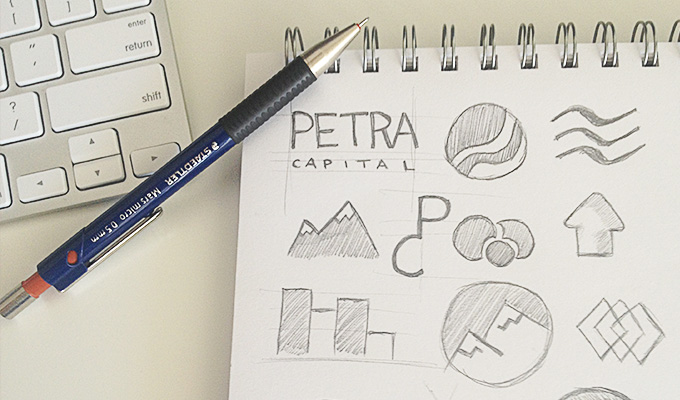
Create rough sketches of logo concepts using paper or digital tools. This stage focuses on creativity and exploring multiple ideas.
3. Choose the Logo Style
Common logo styles include:
Wordmark
Lettermark
Icon / Symbol
Combination mark
Emblem logo
4. Create the Digital Logo
Use professional design software to convert sketches into digital vector designs.
5. Select Colors & Typography
Choose brand colors and fonts that reflect the brand identity.
6. Refine and Test the Logo
Test the logo in different sizes and backgrounds to ensure readability and scalability.
7. Export Final Logo Files
Prepare the final logo in multiple formats for web, print, and branding materials.
Build a Logo That Stands Out in 2026
Your brand deserves a logo that’s memorable, modern, and instantly recognizable. In 2026, we help you transform your ideas.
Best File Extensions for Logos
Using the correct file formats ensures compatibility across digital and print platforms.
| File Extension | Purpose |
|---|---|
| .AI | Editable vector file (Adobe Illustrator) |
| .SVG | Scalable vector graphic for web |
| .EPS | Print-ready vector format |
| High-quality print format | |
| .PNG | Transparent background logo |
| .JPG / JPEG | Standard image preview |
| .PSD | Editable Photoshop file |
Get Started With Digitalization
Before you kickstart digitalization, you need to produce some specimens using your creative juices that would be helpful to elevate your digital missteps and improve your creative ingenuity, finally making your process silkier and more manageable.
Transform Your Conception With Visualizations
It’s time to transform your conception into visualizations by digitalization and diversification. Select some of the best visuals drawn and move to finalization. Here you will notice how favorable it is to digitalize something visualized prior.
Chosse some reasonable and appropriate color schemes, give it a monochromatic feel if they want to print it out in mono color.
Diversify Your Logo And Reduce Negative Feedback
Diversification is one of the great ways to negative feedback minimization. Hance, diversify your illustrious logos with various color schemes to get them ready for an undefeatable and gargantuan presentation.
File then separately so that each design would get an utter focus.