How to Create a YouTube Channel for YouTube Marketing?
How to Create a YouTube Channel for YouTube Marketing?
Starting a YouTube channel is simple when you follow the right steps. Below is a quick guide to help you set up your channel and prepare it for publishing content.
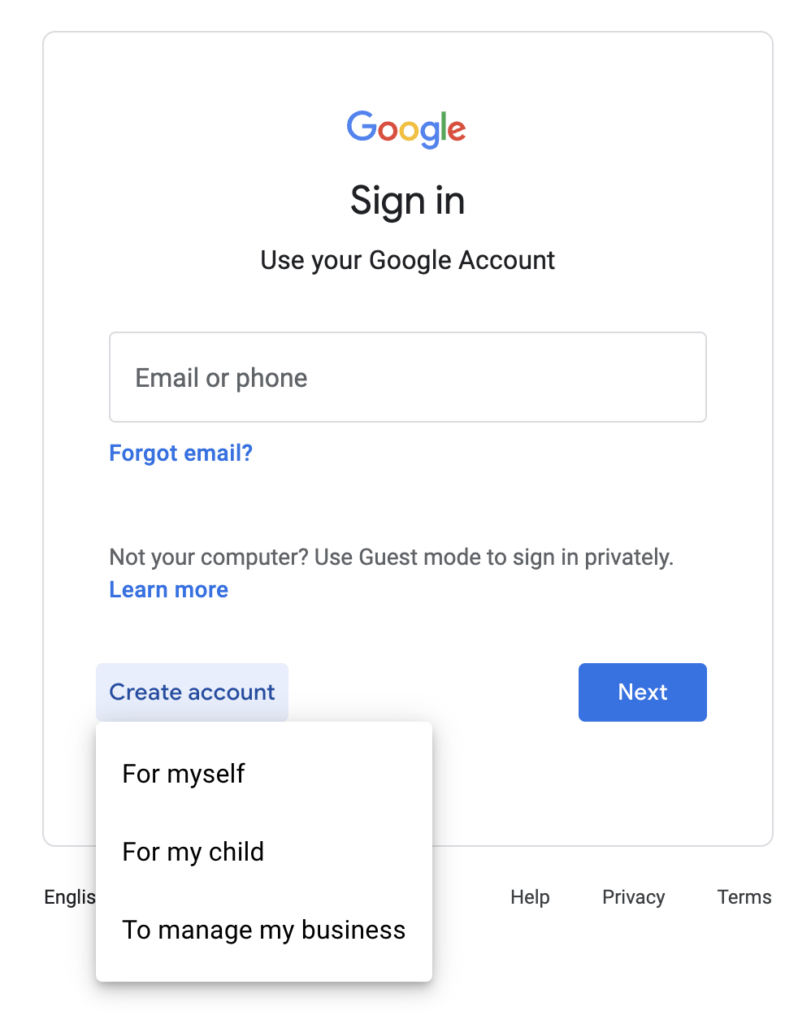
1. Log in with a Google Account
To create a YouTube channel, you must first be logged into a Google account. If you already have an account you’d like to use, simply sign in and proceed. Otherwise, create a new Google account before moving forward.
2. Set Up Your YouTube Channel
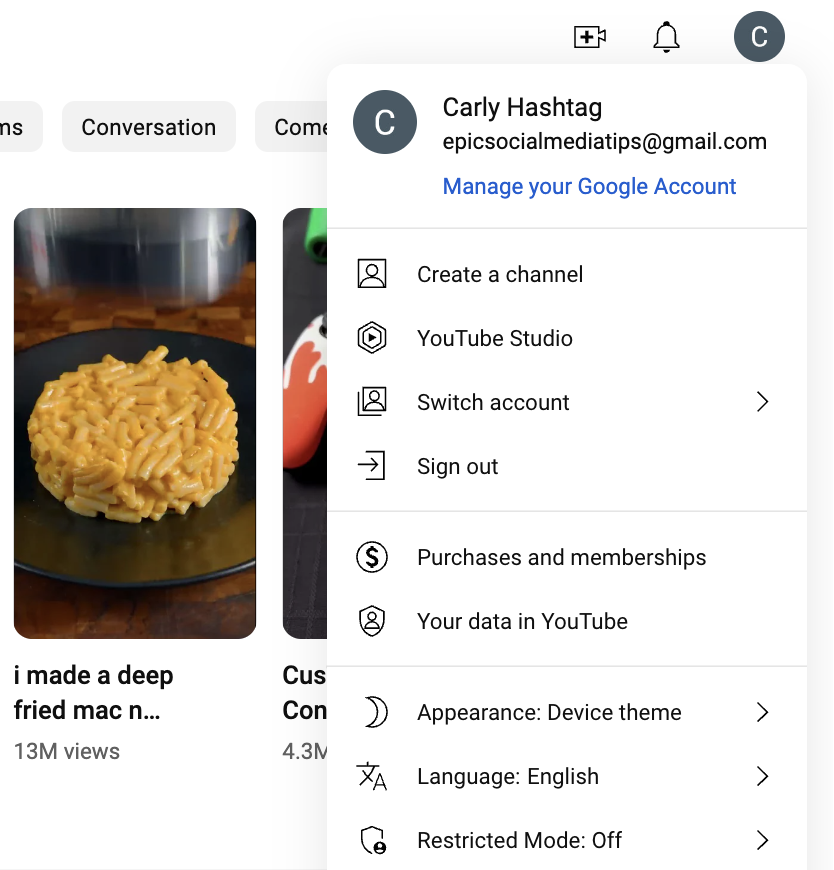
Go to YouTube.com and click on your profile icon in the top-right corner. From the dropdown menu, select Create a channel.
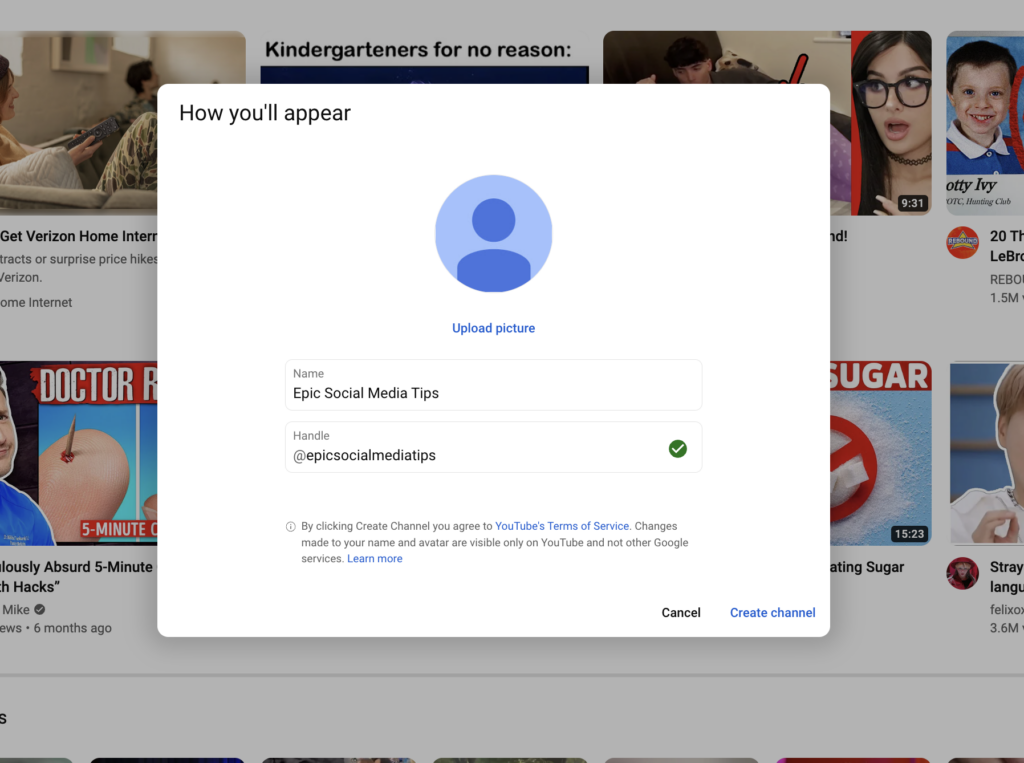
You’ll be asked to choose a channel name. Pick a name that represents your brand, business, or content focus.
Choose Top YouTube Marketing Agency in Karachi
Contact us now and let's embark on the journey to online success together!
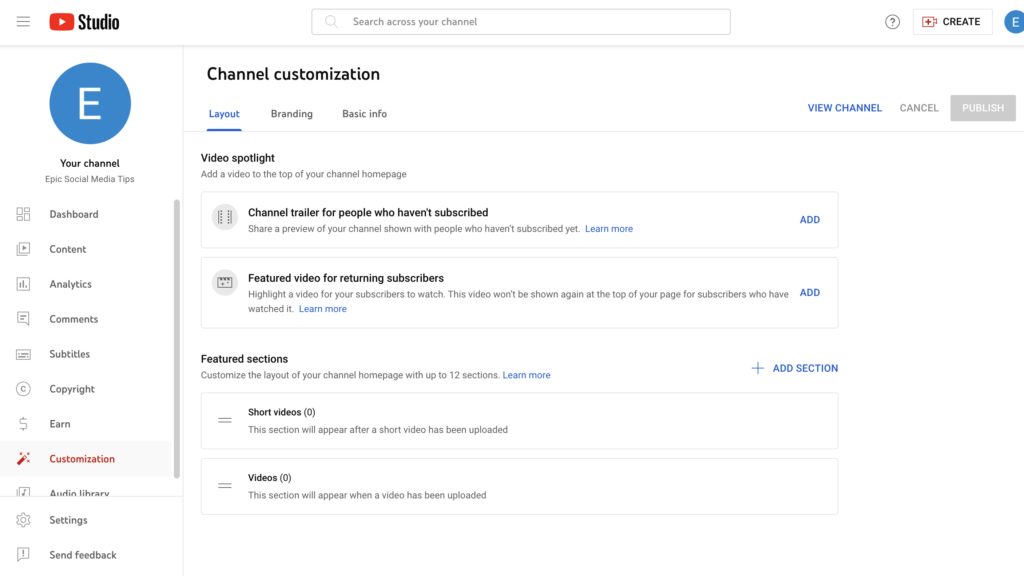
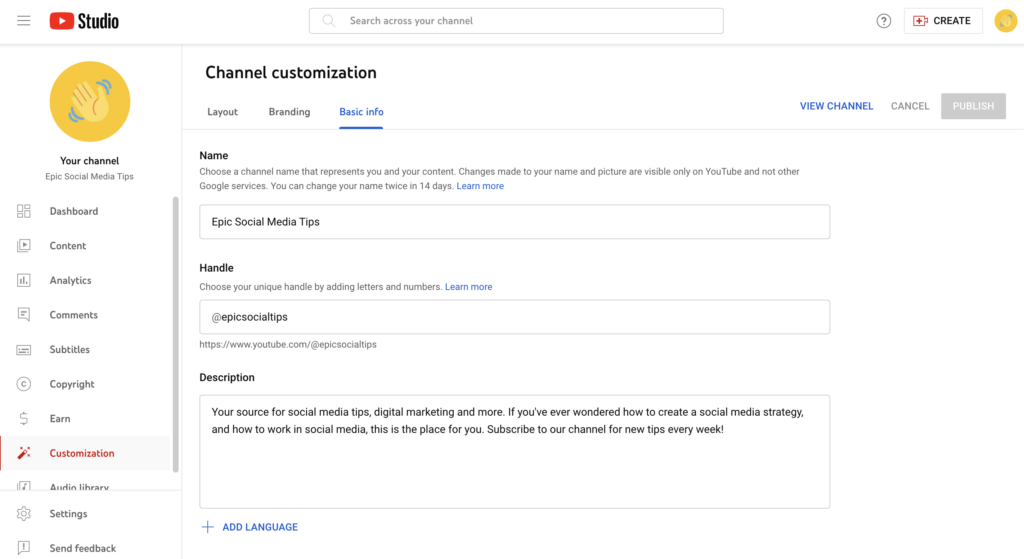
After creating the channel, click “Customize Channel.” This will take you to YouTube Studio, where you can manage your channel’s appearance and structure.
Here, you’ll find options to edit your:
Layout
Branding
Basic information
4. Update Your Channel Information
Adding accurate and engaging details helps your channel look professional and trustworthy. Use this section to write a strong description, add relevant links, and connect your website or social media profiles.
You’re Ready to Upload!
Congratulations—your YouTube channel is now live and ready for content. You can start uploading videos, optimizing titles and descriptions, and growing your audience.
Choose Top YouTube Marketing Agency in Karachi
Contact us now and let's embark on the journey to online success together!